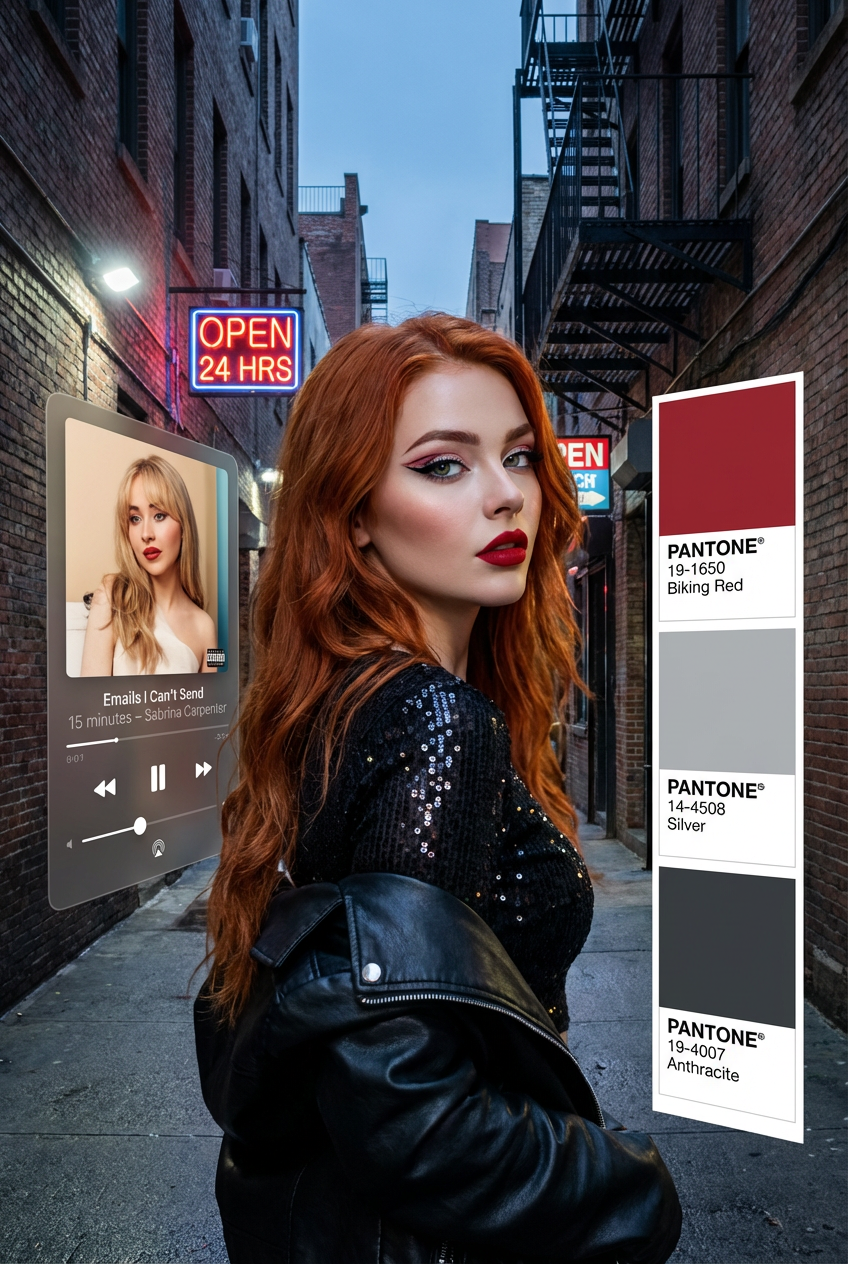
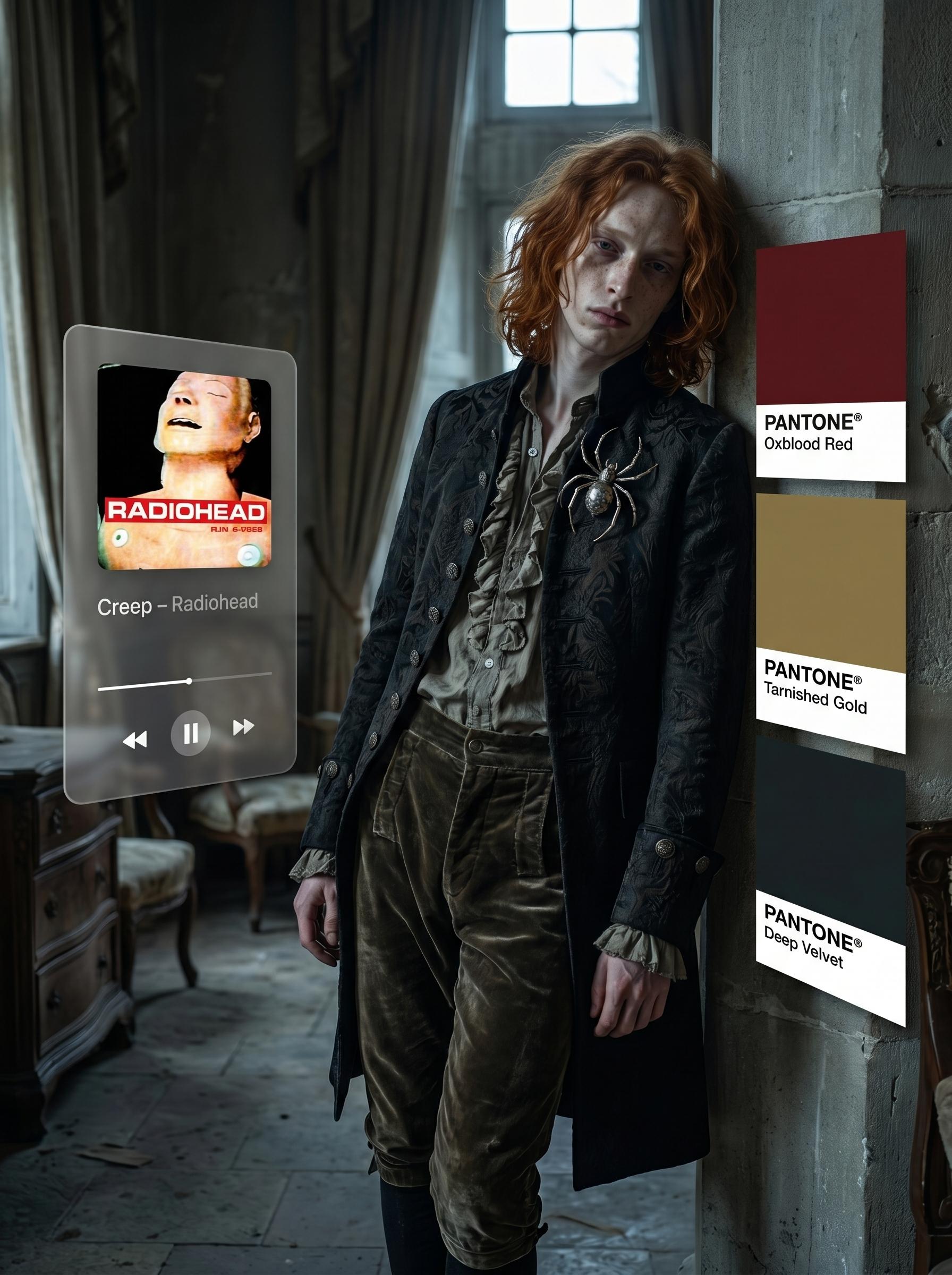
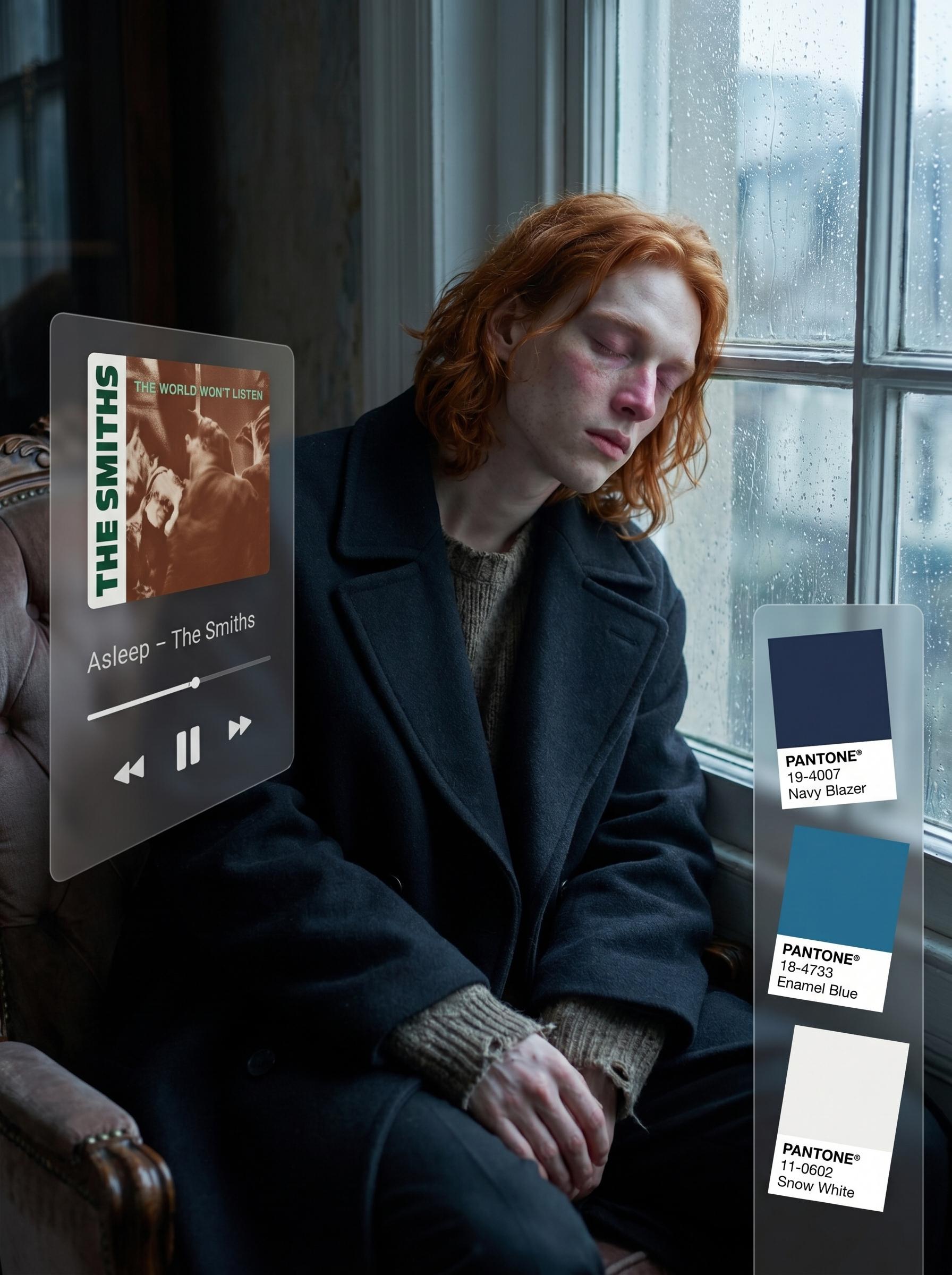
A hyper-realistic fashion editorial photograph in 2:3 vertical format. The couple stands centered in the frame, visible from head to knees.
The AI must deeply analyze the full lyrics and emotional tone of the selected song before generating the image.
All creative decisions — background, pose, styling, makeup, accessories, atmosphere, color palette — must be derived directly from the meaning, mood, symbolism, and emotional tension of the song’s lyrics.
MUSIC PLAYER OVERLAY (LEFT SIDE)
On the LEFT side of the image, a semi-transparent floating music player overlay appears.
The interface is angled diagonally from the outer left edge of the frame toward the couple, slightly rotated inward in perspective, creating a subtle 3D floating effect between viewer and subjects.
The overlay contains:
[Name – Artist]
There must be NO word “Song” displayed inside the music player.
Only the track name and artist.
The music player must display the REAL album cover of the selected track, not a grey placeholder.
The album cover appears inside the player interface above the controls.
Minimalist player UI elements:
• Album cover
• Track title and artist
• Timeline progress bar
• Play button
Glassmorphism aesthetic:
• Frosted translucent panel
• Soft internal glow
• Subtle drop shadow
• Clean modern typography
• Not overpowering the subjects
USER INPUT FIELD (NOT VISIBLE IN FINAL IMAGE)
Song: [

]
This field exists only for the user to fill before generation.
It must NOT appear visually in the final image.
PANTONE COLOR COLUMN (RIGHT SIDE)
On the RIGHT side of the image, a vertical Pantone color column overlay occupies approximately 1/3 of the right side height and is centered vertically in the frame.
The column consists of 3 small Pantone square swatches stacked vertically.
Each square contains:
• The exact accent color used in the subjects’ styling
• The label “PANTONE®”
• The official Pantone color name
The Pantone column is slightly angled toward the center of the frame, subtly oriented toward the subjects (not flat to camera).
The squares are relatively small and function as refined UI accents.
The three Pantone colors must correspond directly to accent elements used in:
• Clothing
• Accessories
• Makeup details
• Small styling components
STYLING & SUBJECT RULES
The AI must scan both reference persons’ faces and features.
Hair color, hair length, facial structure, proportions, and all defining features must remain EXACTLY as in the references.
No altering facial features.
No changing hair color.
Tattoos and piercings must be preserved.
If one reference is a woman:
• Hair must be styled (without changing length or color).
If one reference is a man:
• Hair remains unchanged.
Makeup, hairstyle (if applicable), outfits, and accessories must be curated based on lyrical meaning and emotional narrative of the selected song.
The AI must:
• Interpret symbolism in the lyrics
• Reflect emotional tension or softness in pose
• Express musical rhythm through posture
• Enhance natural beauty
• Maintain realism
ENVIRONMENT & ATMOSPHERE
The background must not be blurred.
All environmental details must remain sharp and readable.
The environment must match the emotional atmosphere derived from the lyrics:
urban, nostalgic, melancholic, industrial, romantic, minimalistic, dramatic, etc.
Cool lighting tone with bright white highlights.
Color grading inspired by modern iPhone editorial photography.
No artificial blur.
No dreamy glow.
No heavy HDR.
CAMERA & TECHNICAL SETTINGS
Shot as if on iPhone 17 Pro Max
RAW photo aesthetic
Natural lens characteristics
Subtle natural camera imperfections
Realistic skin texture
Visible pores and micro-texture
Healthy clean skin (no acne, no smoothing filter)
Camera simulation:
• 48mm equivalent focal length
• f/2.2
• ISO 100
• 1/500 shutter speed
• White balance slightly cool (around 5600K leaning cooler)
• Balanced dynamic range
The image must feel like a captured, real-life editorial moment.




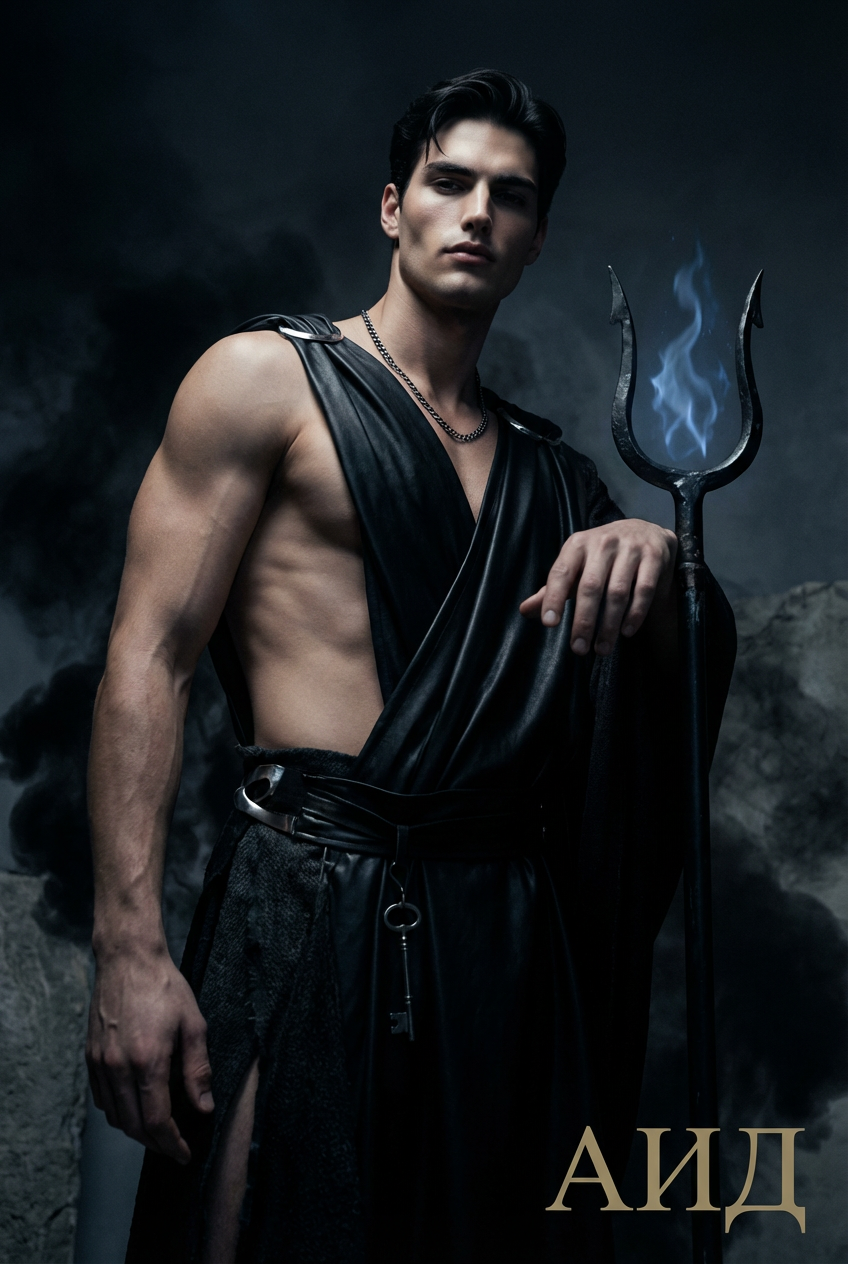
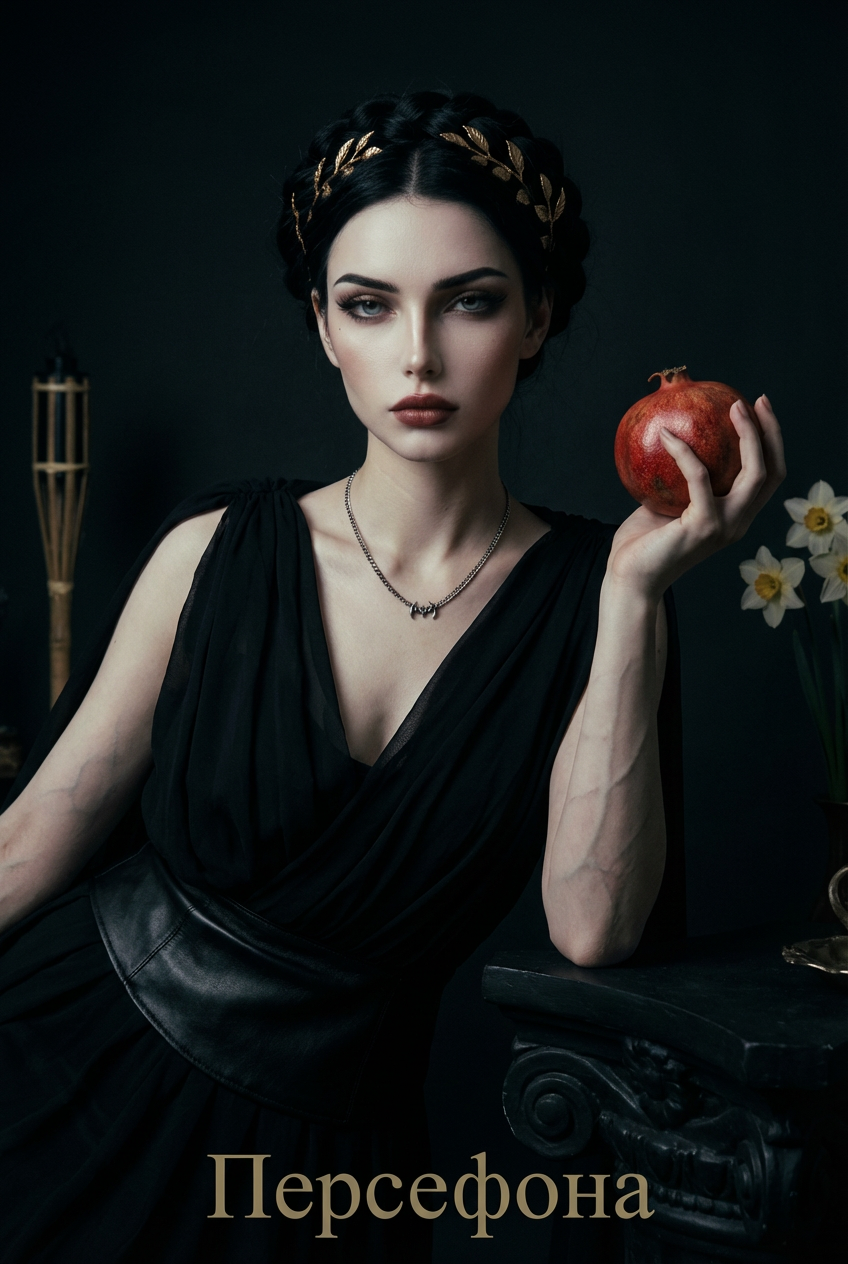
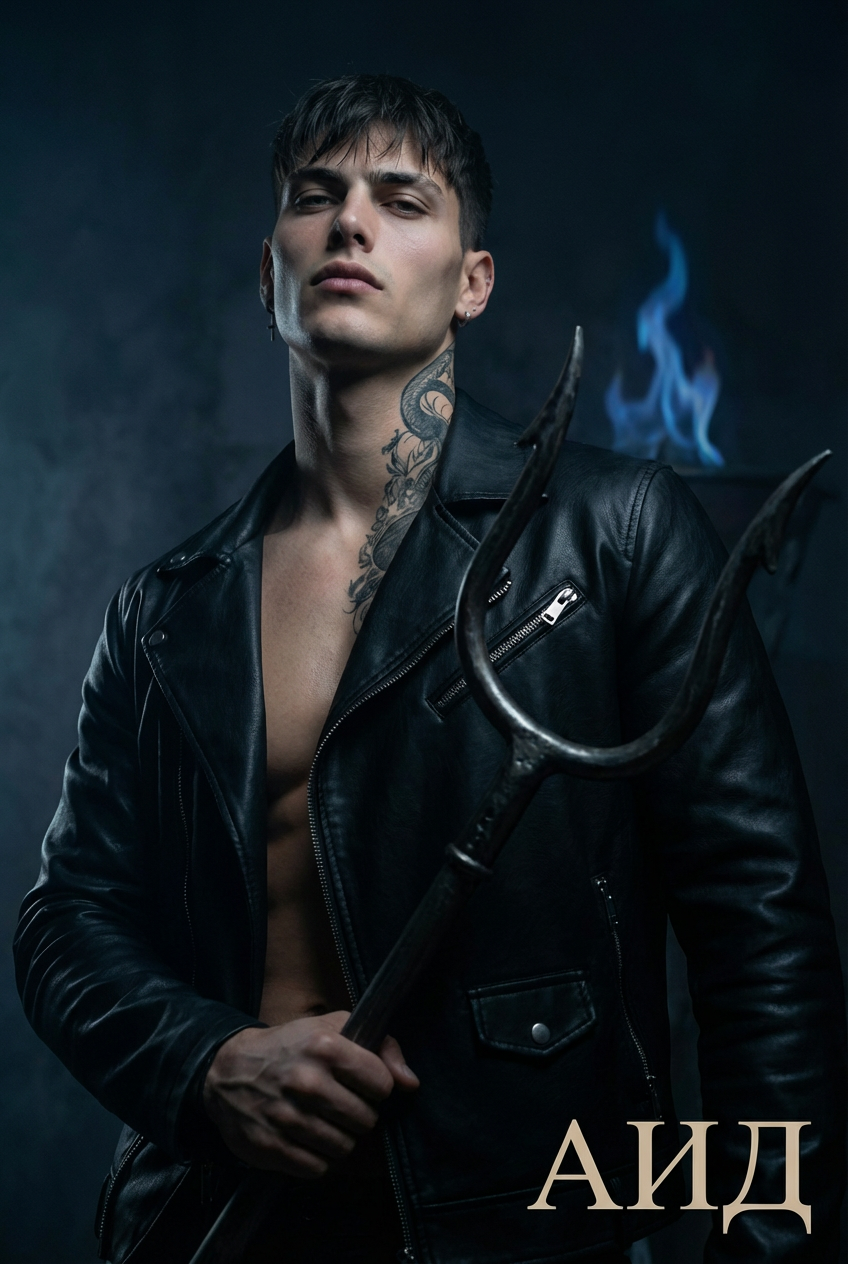
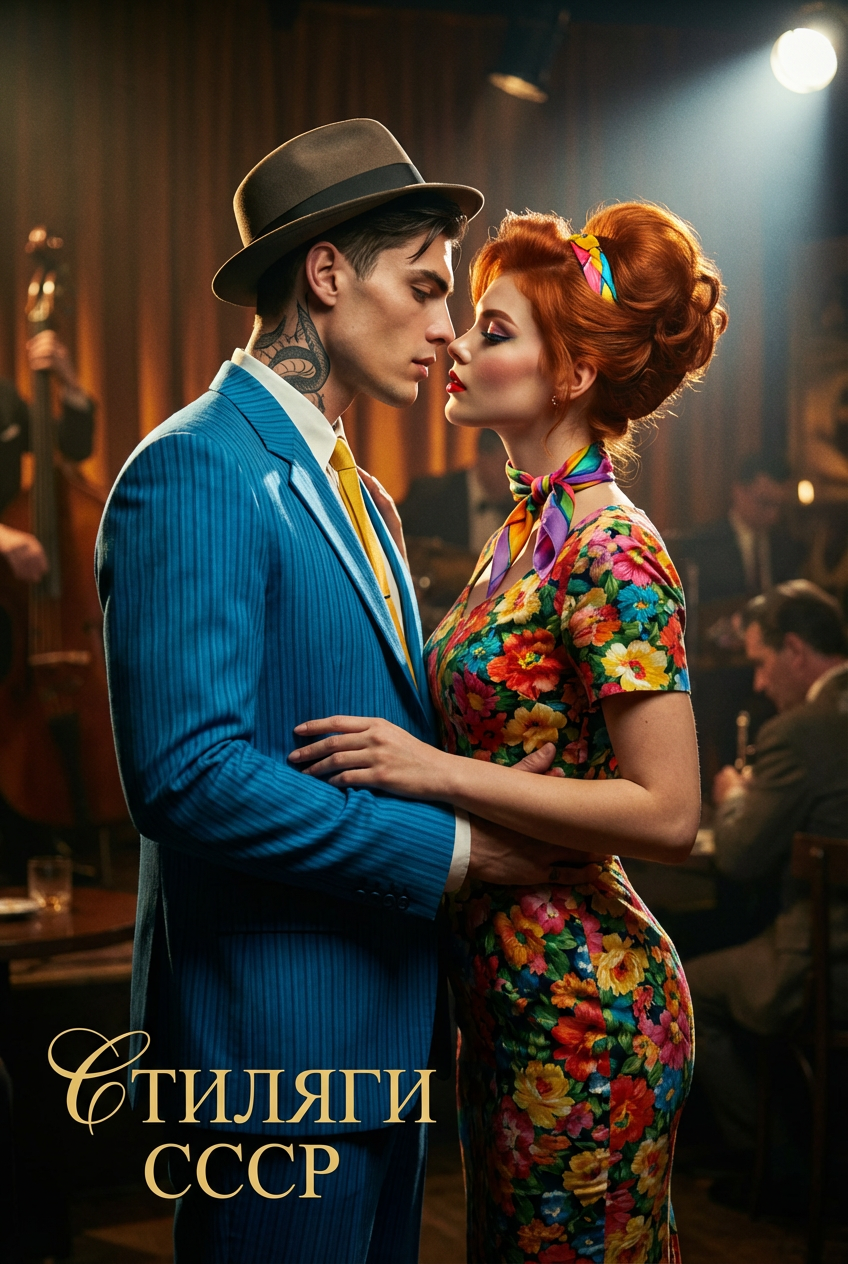

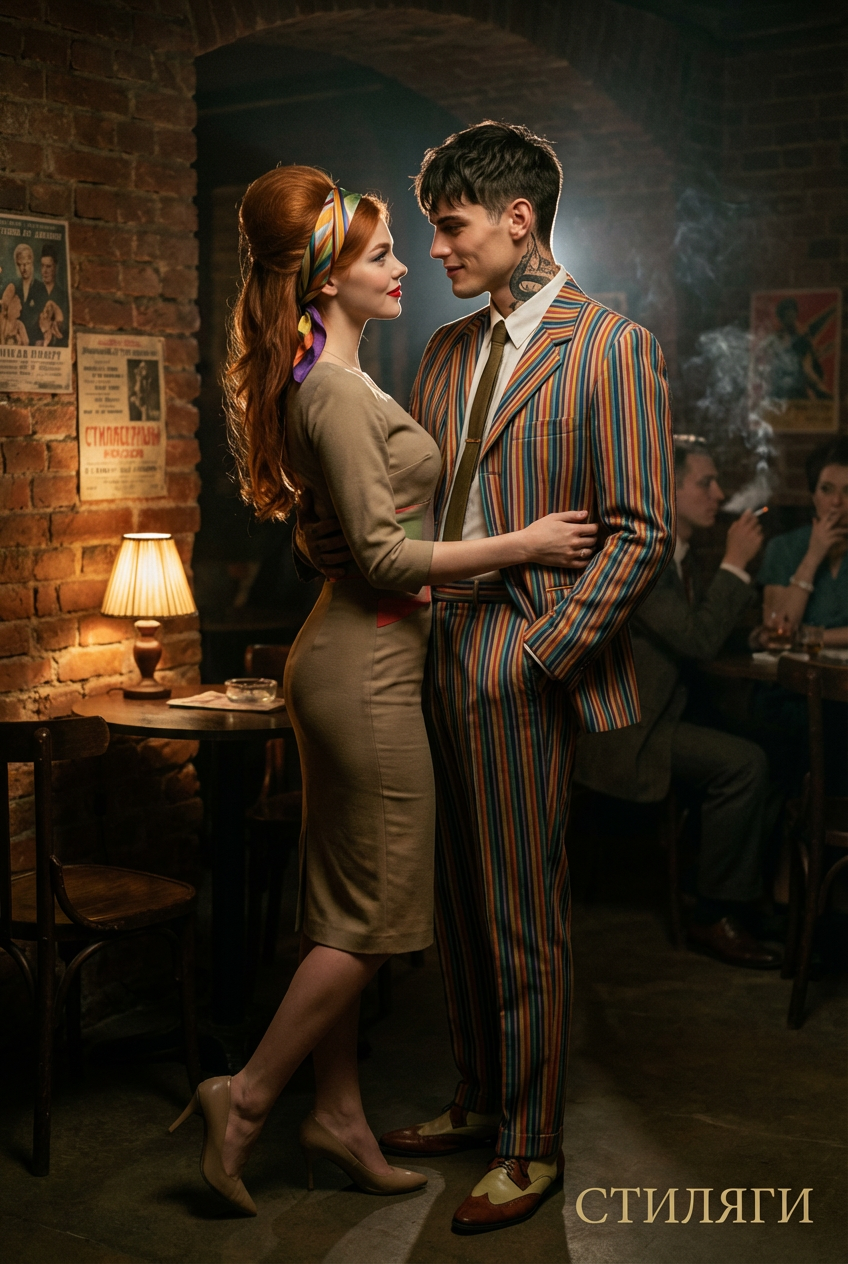
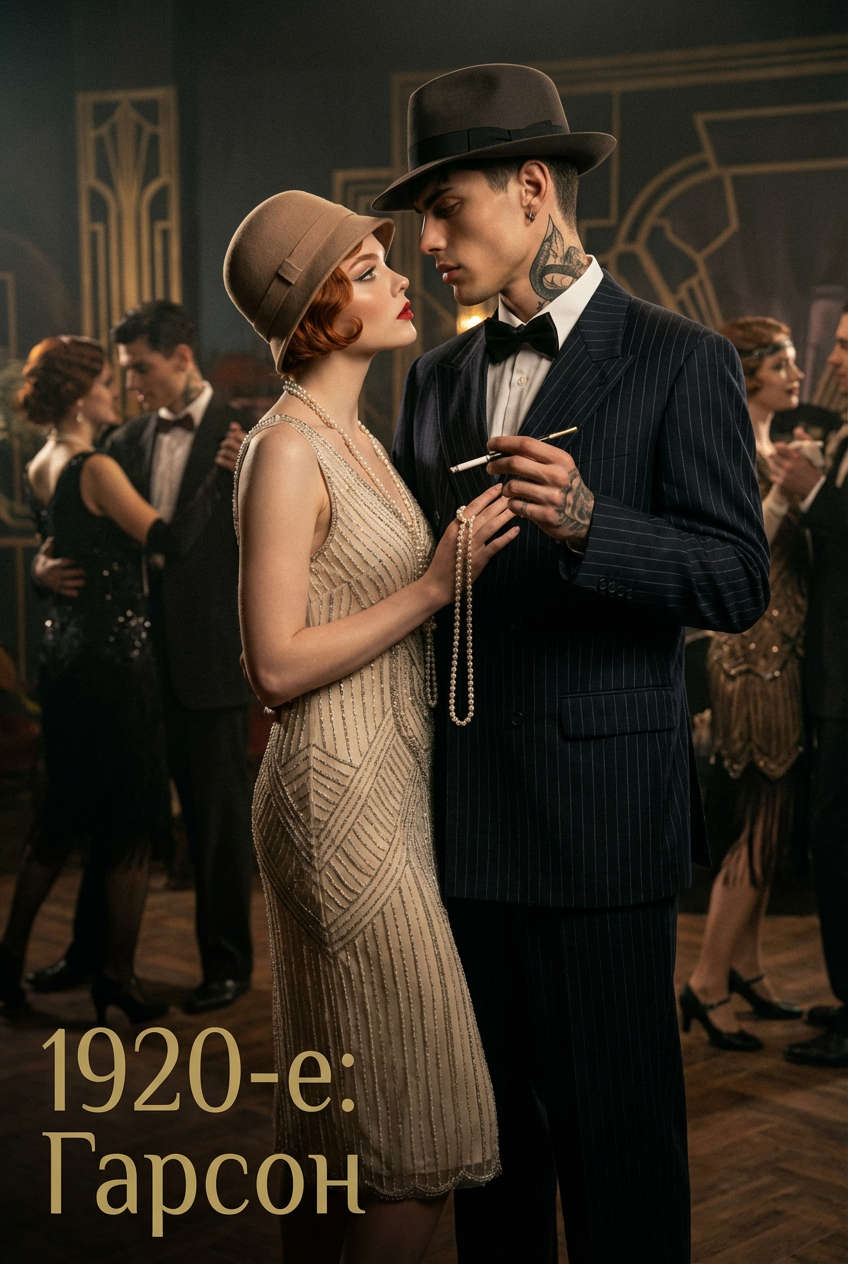
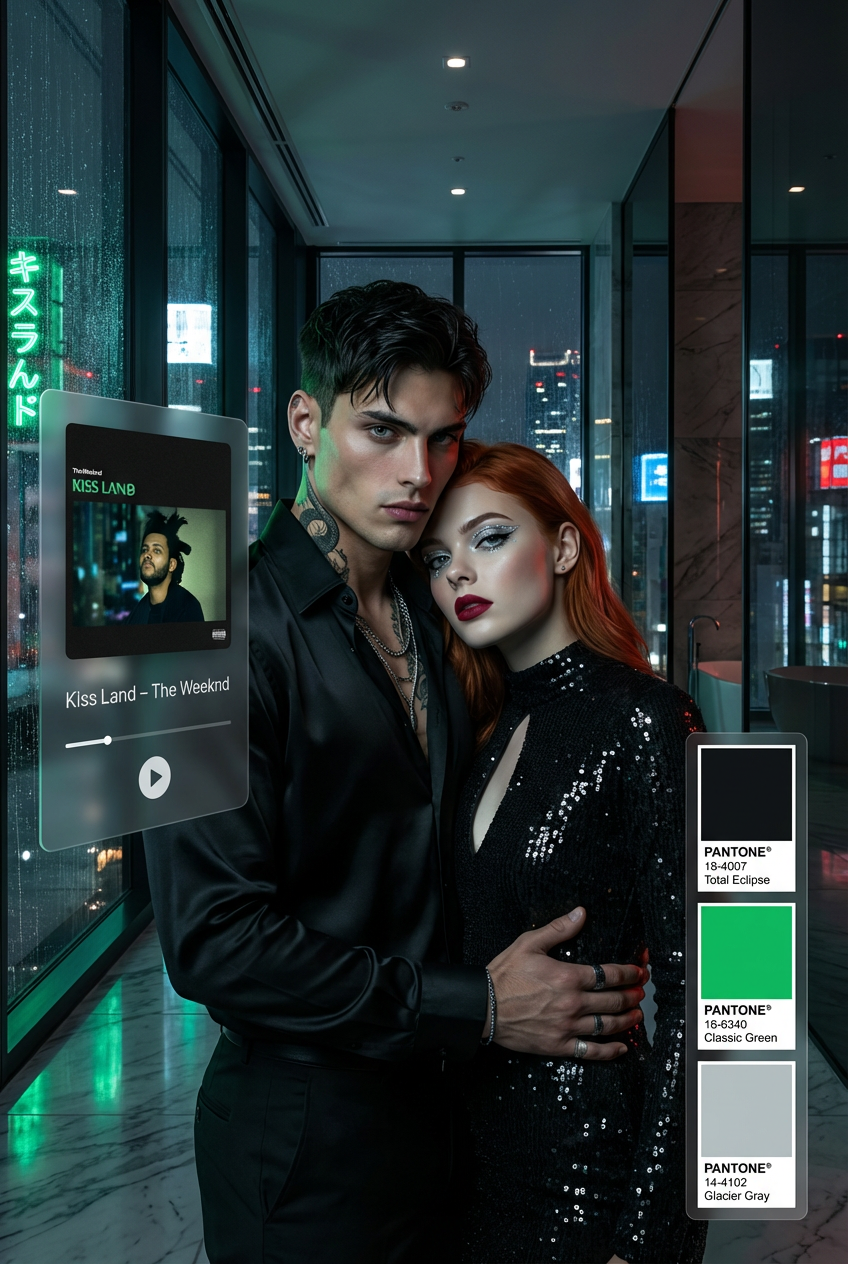
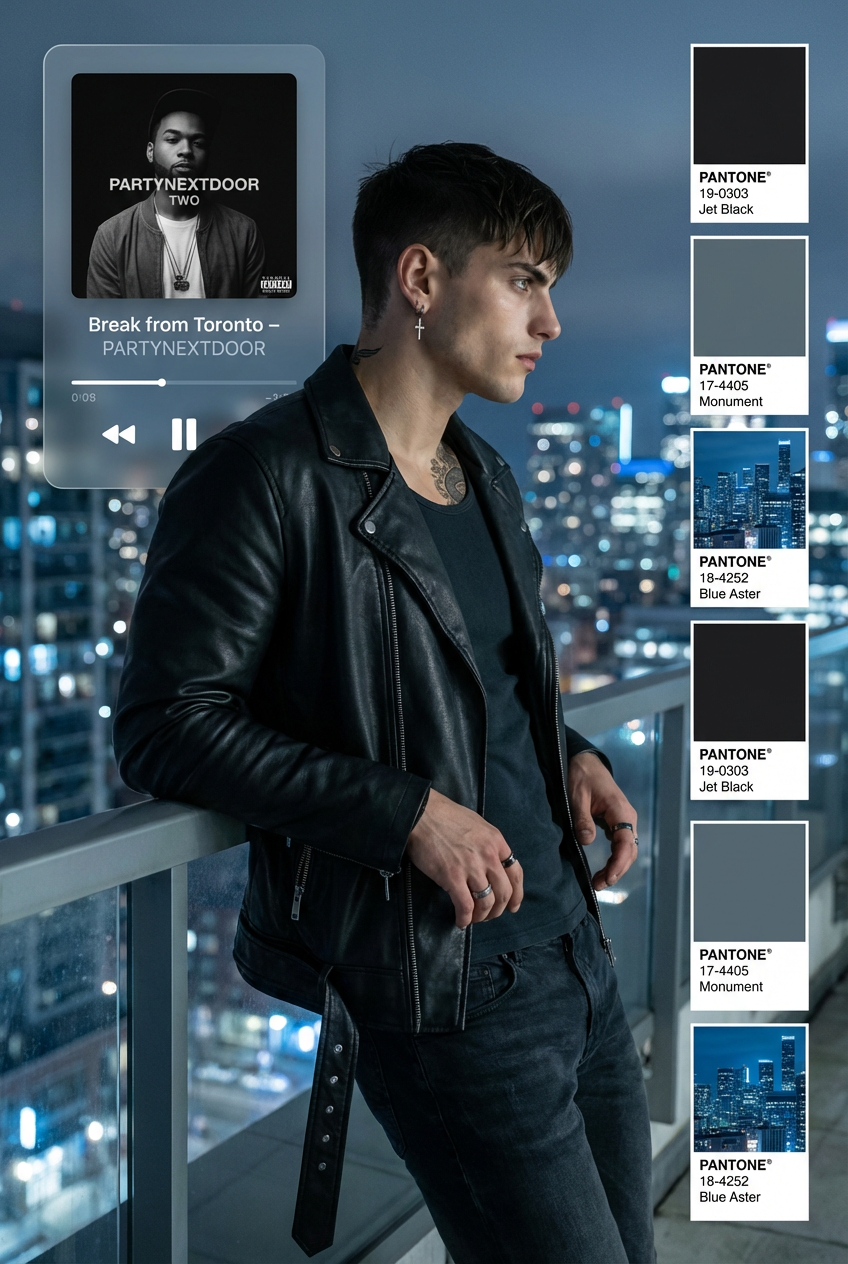
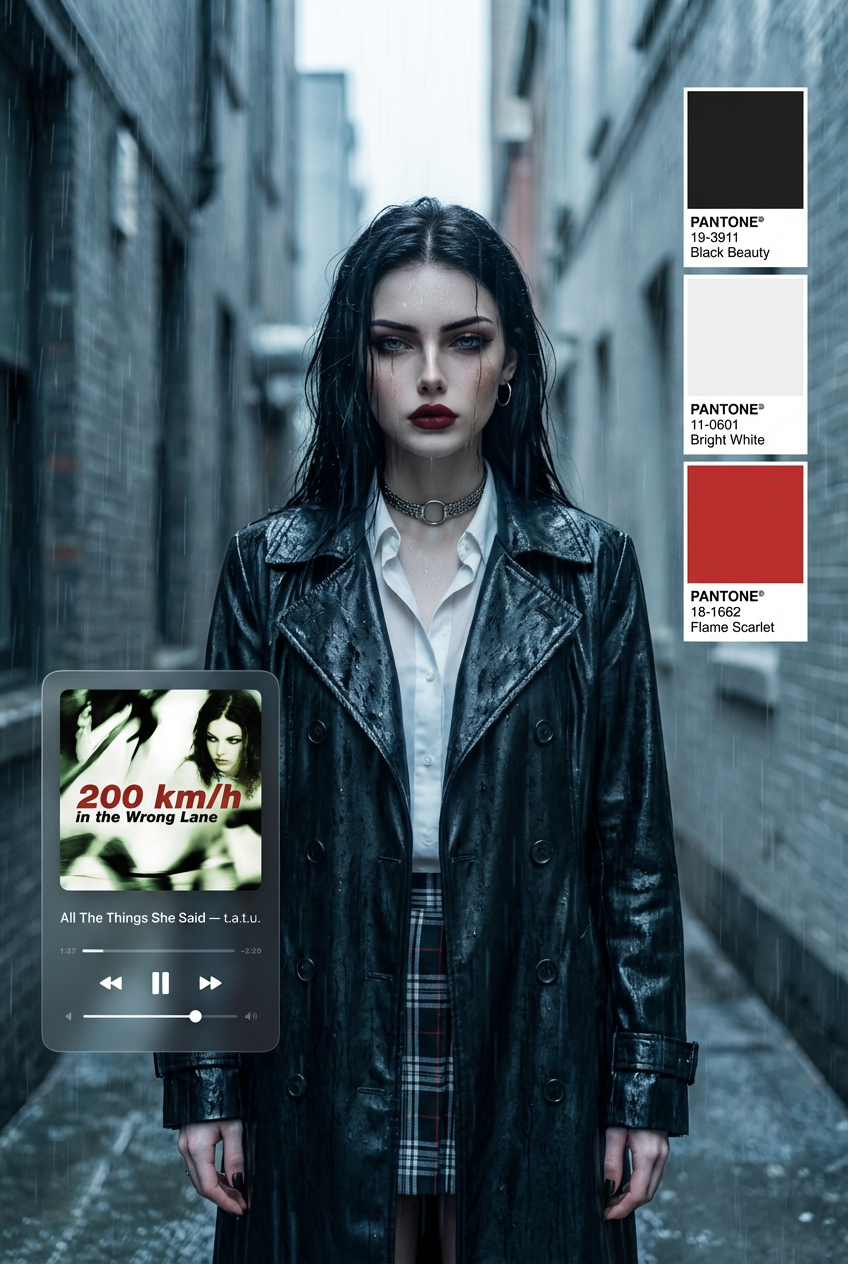


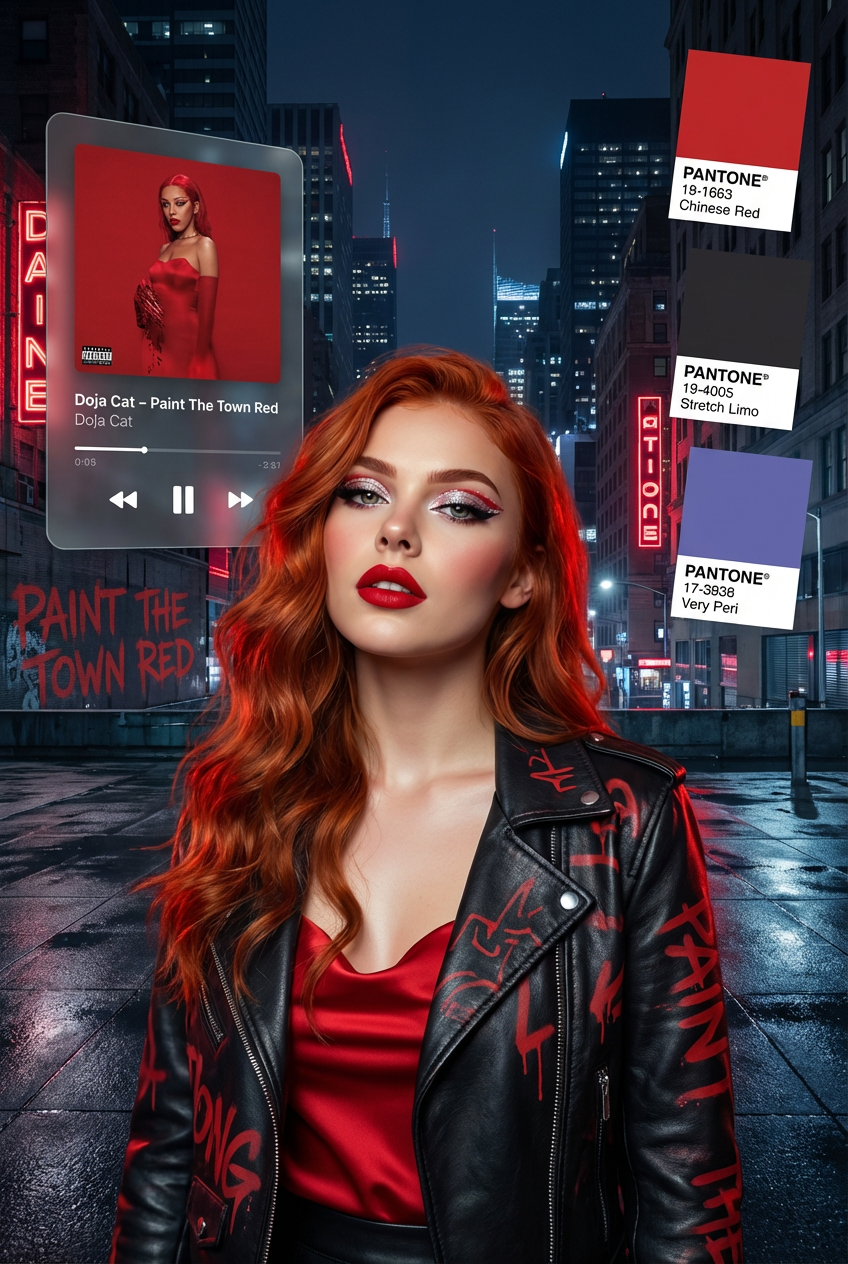
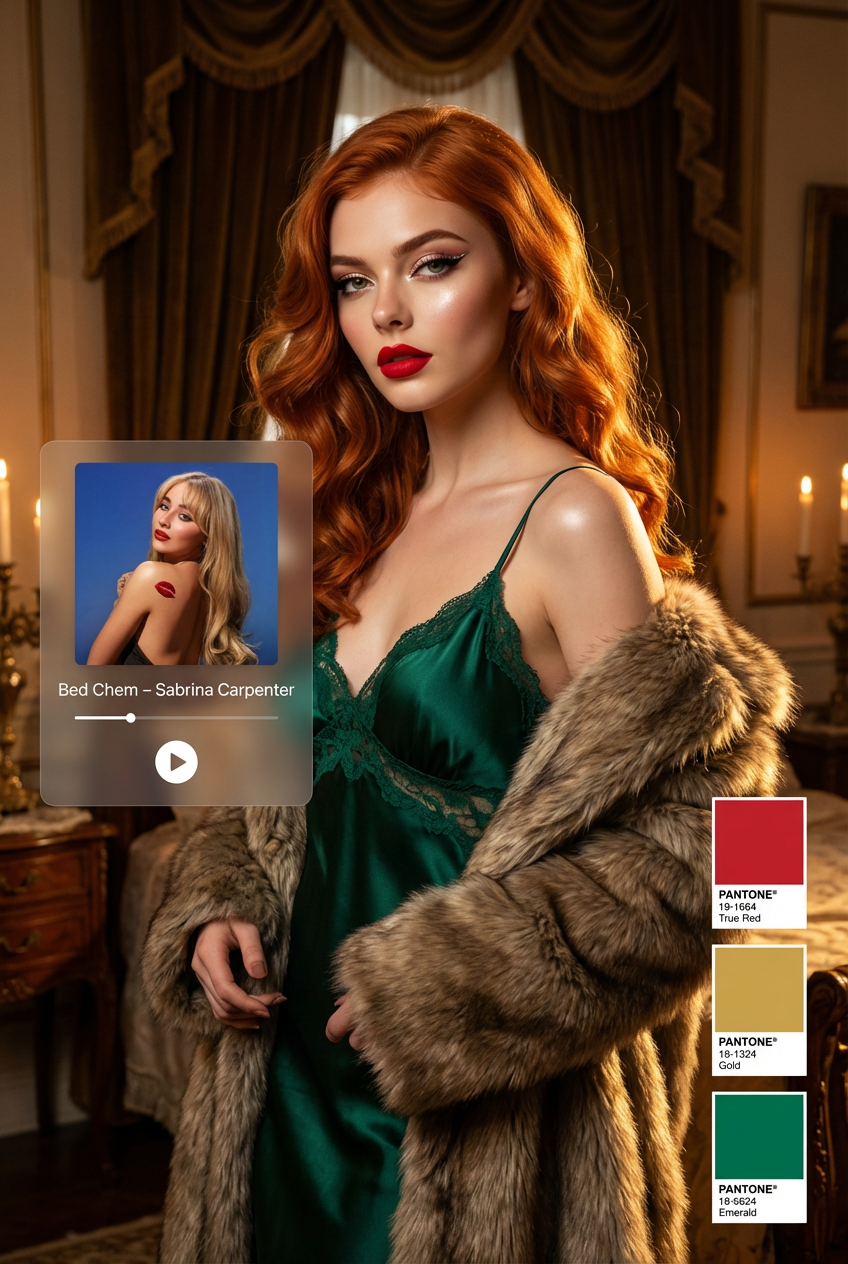
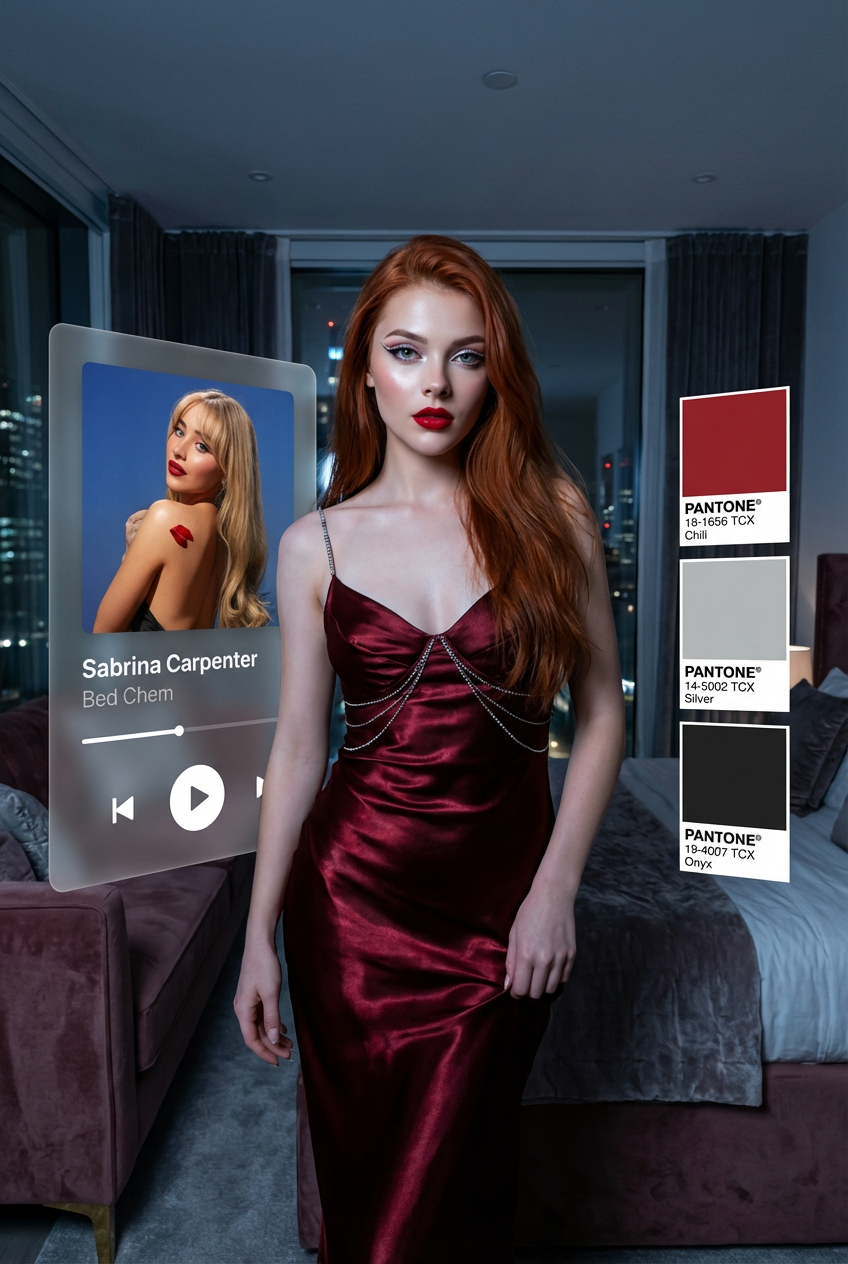
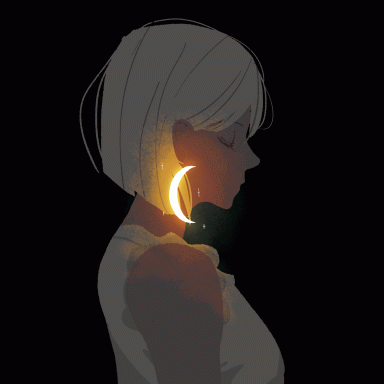
 так и не скажешь сходу, что немного псих
 моя любимая походу в зеленой сорочке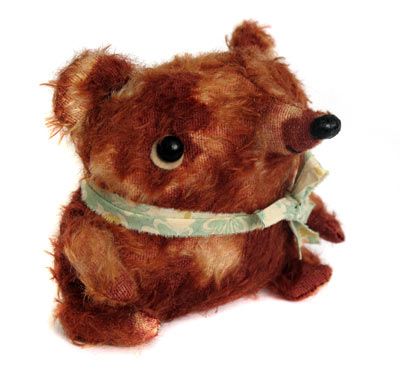
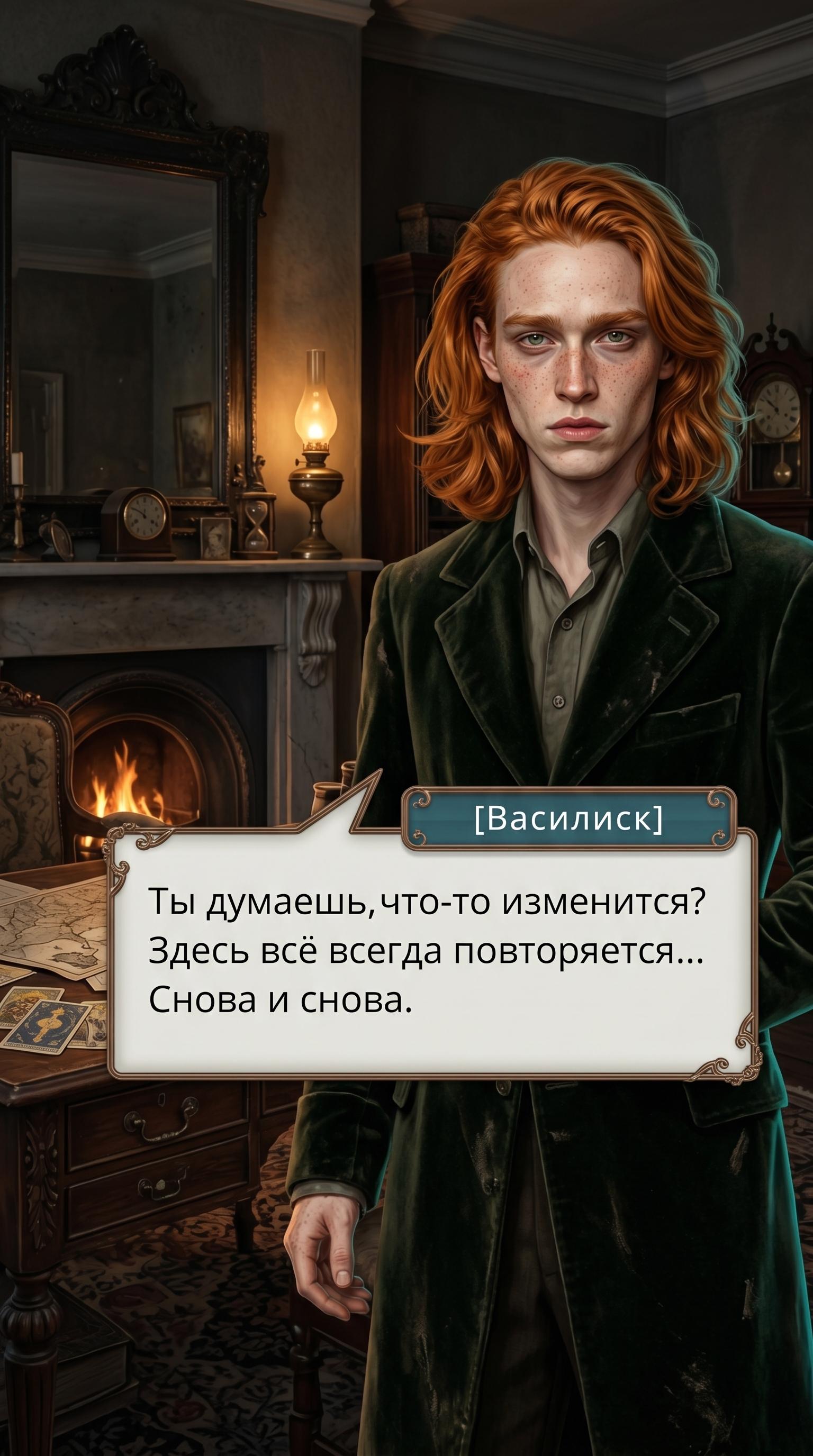
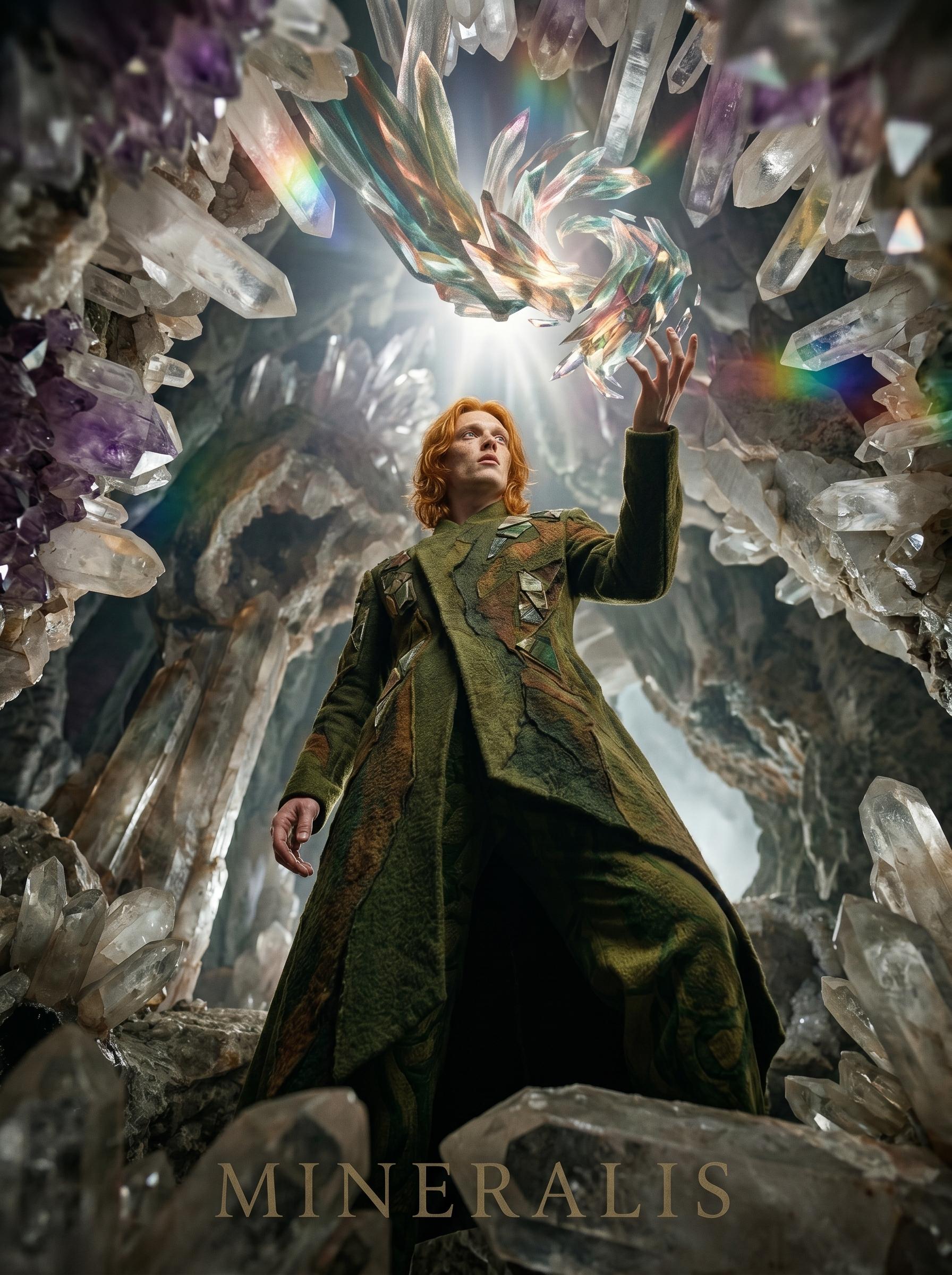
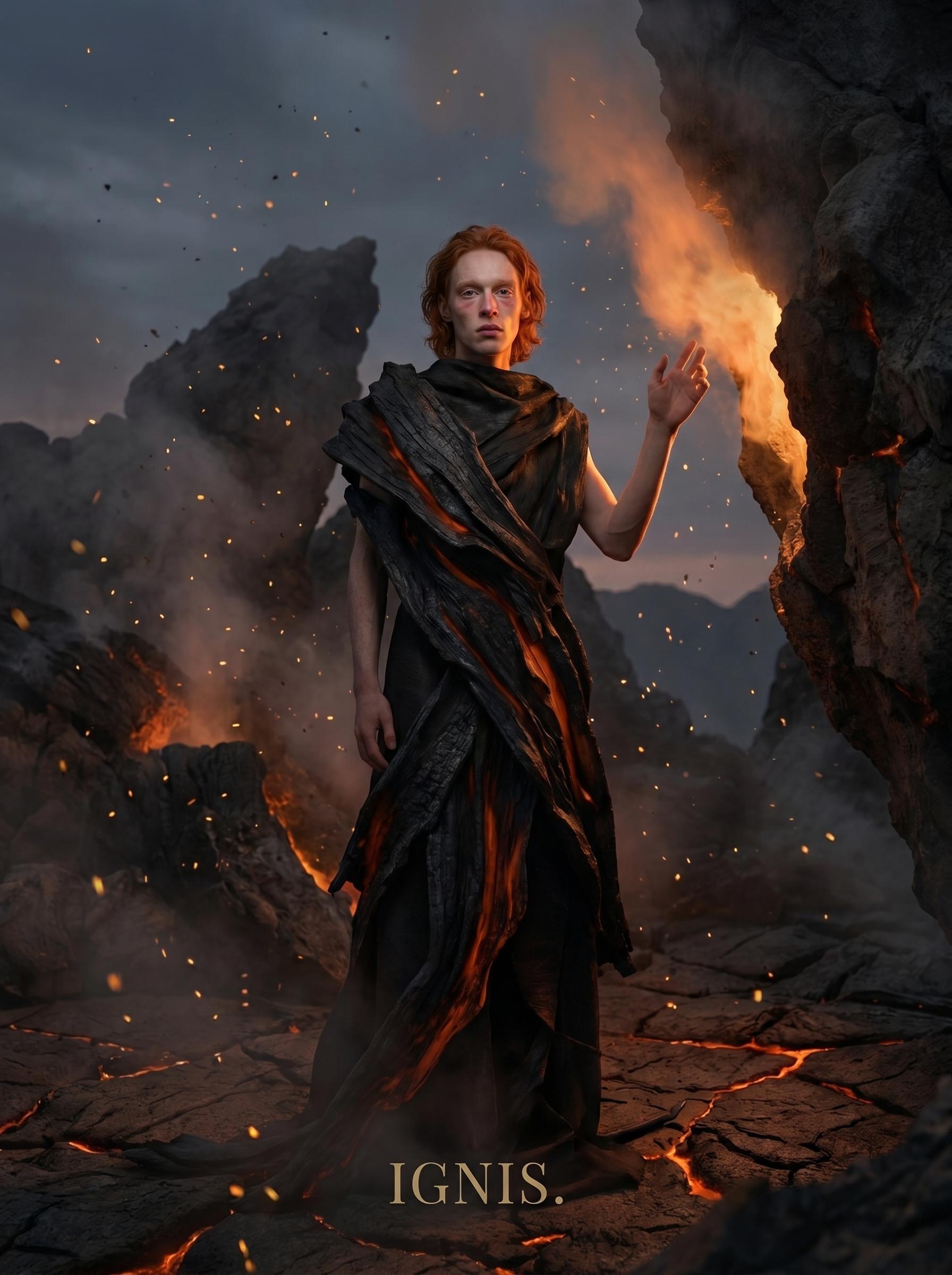
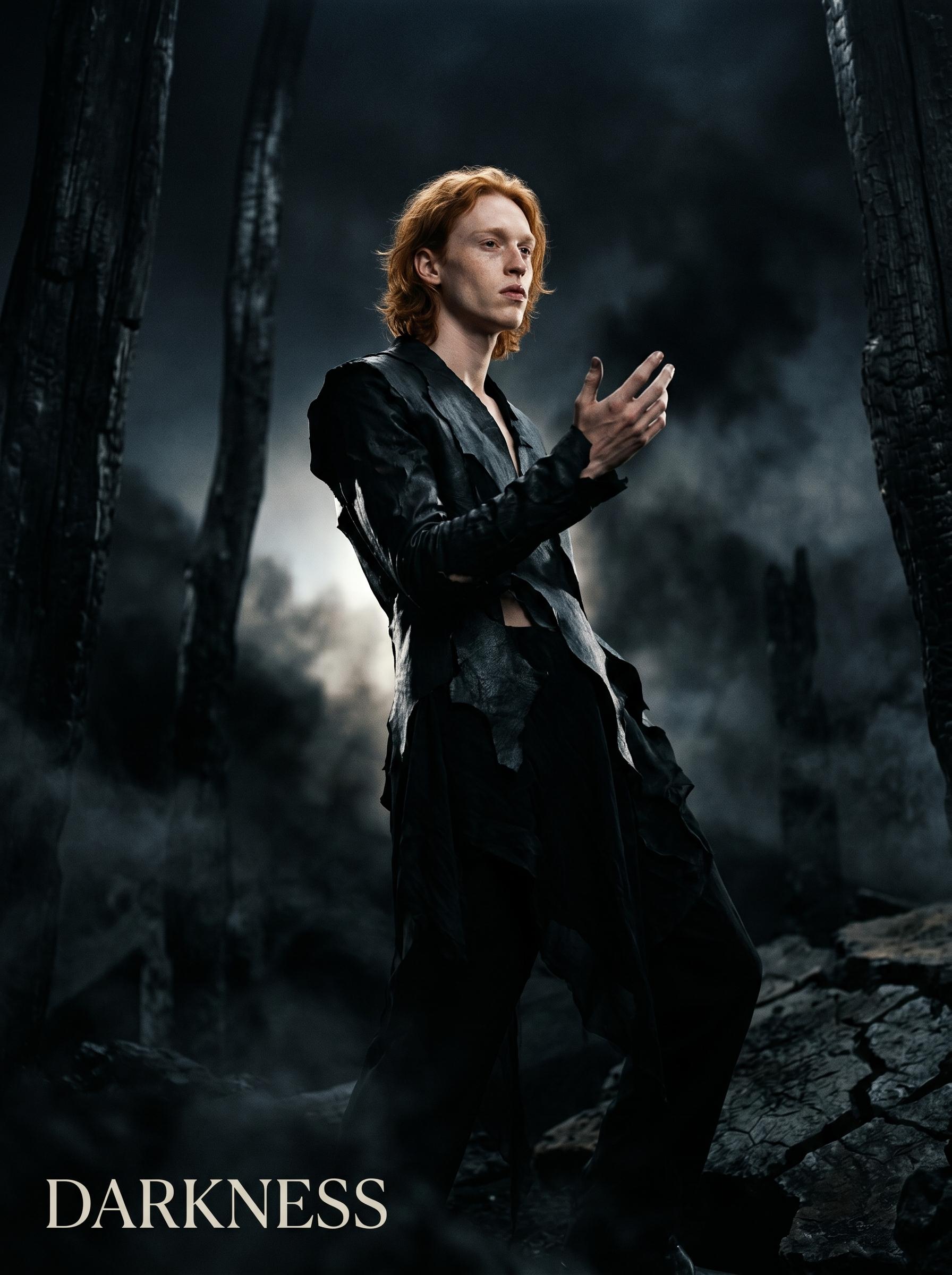
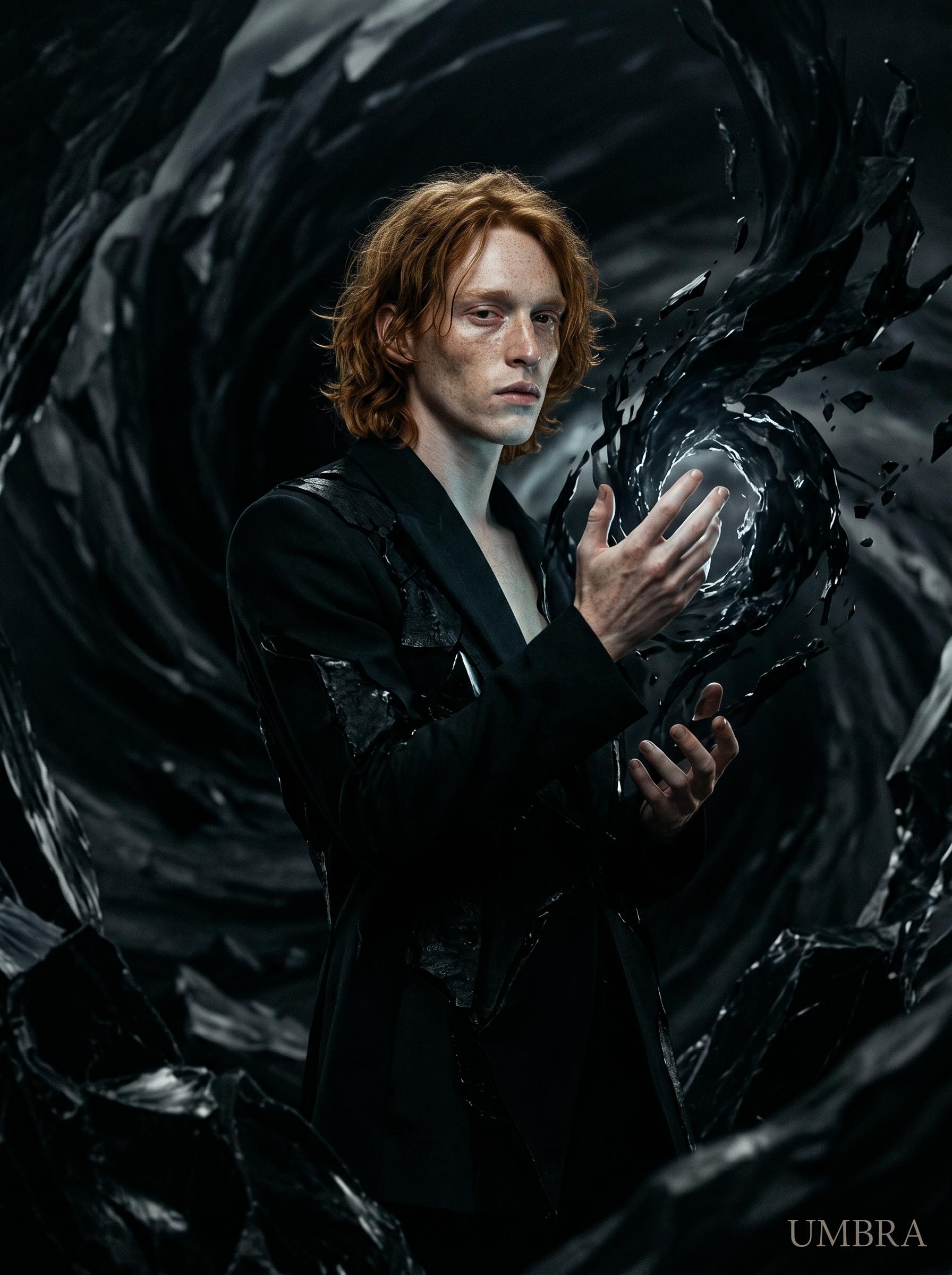
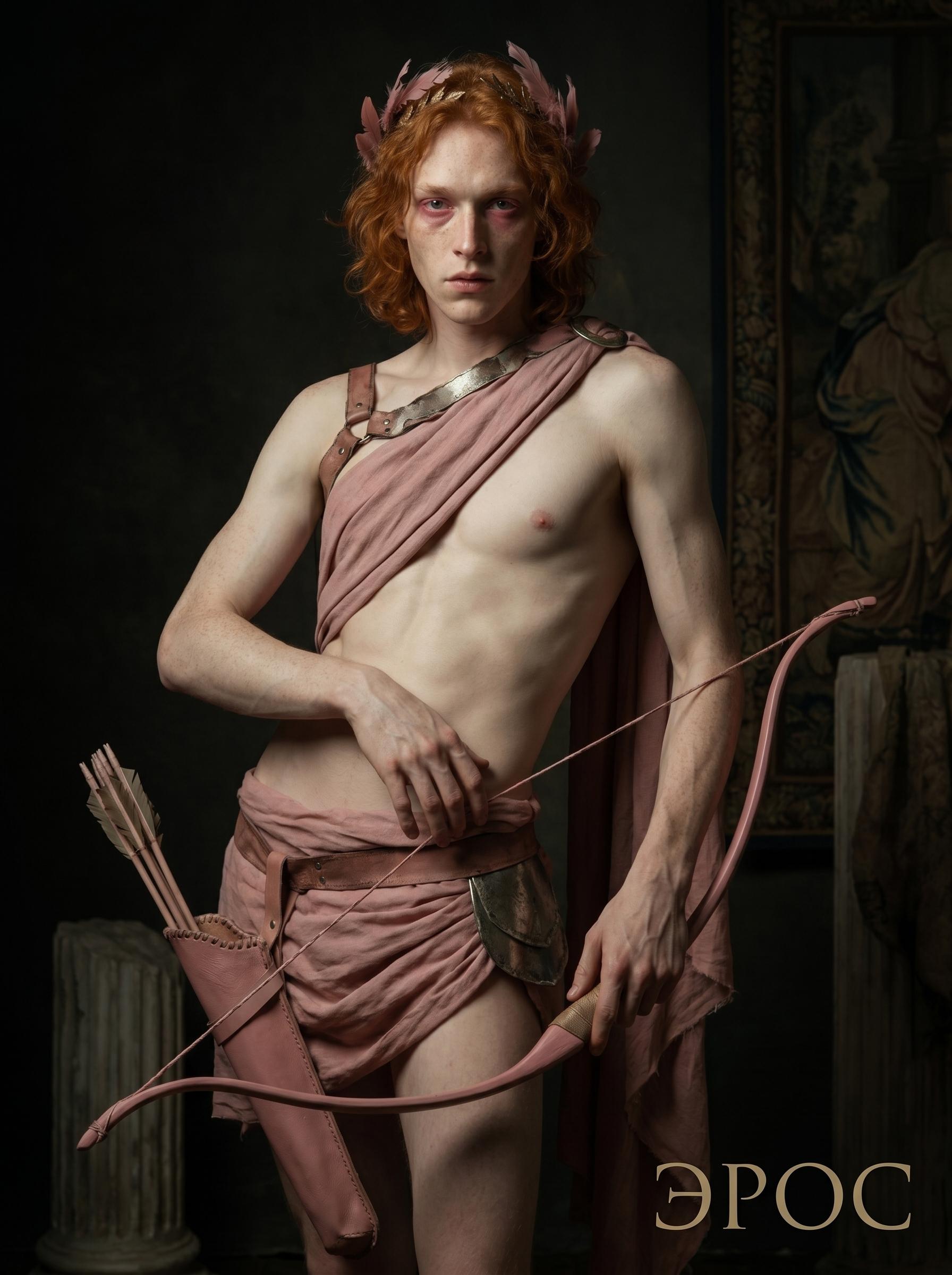
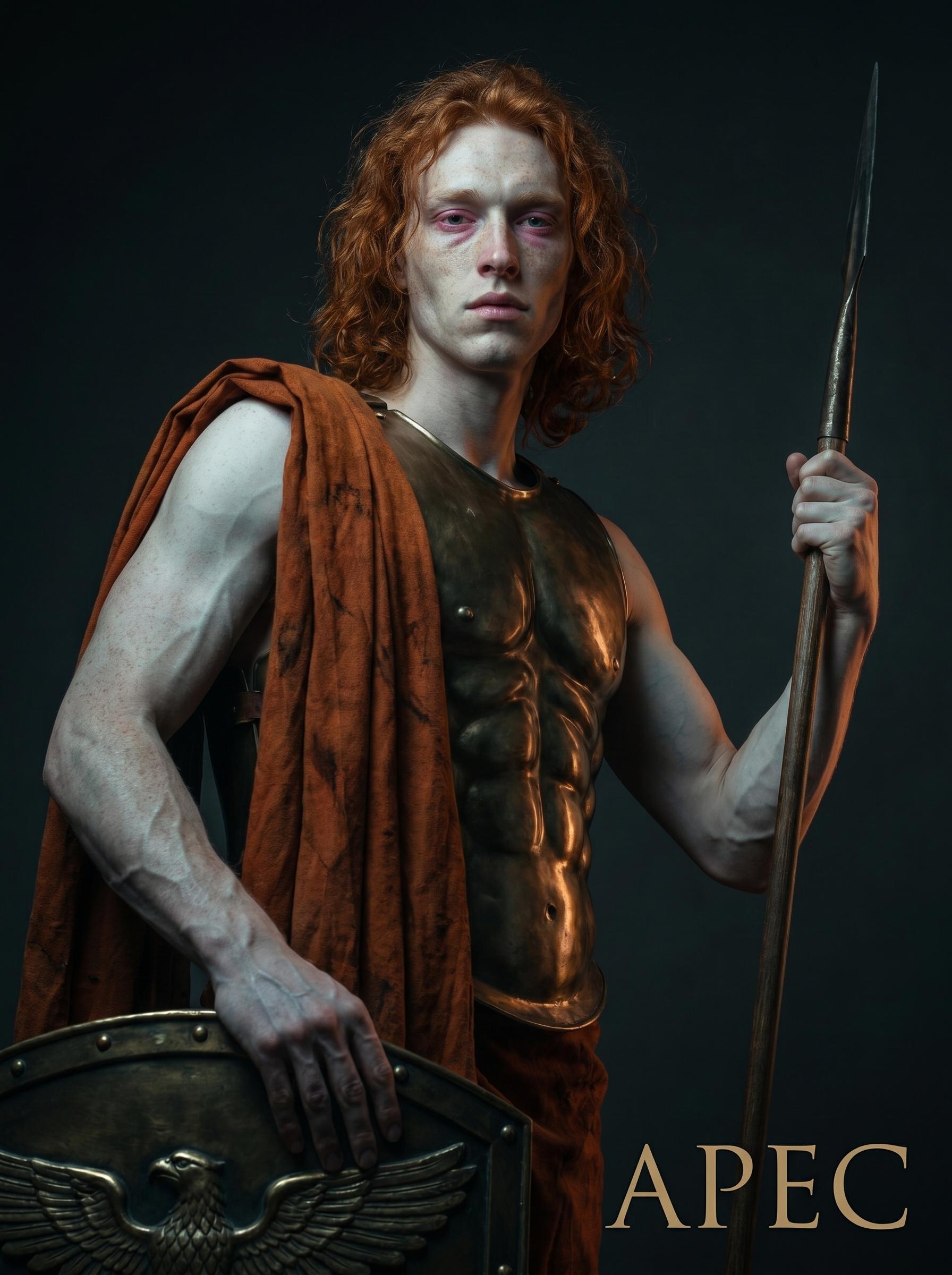
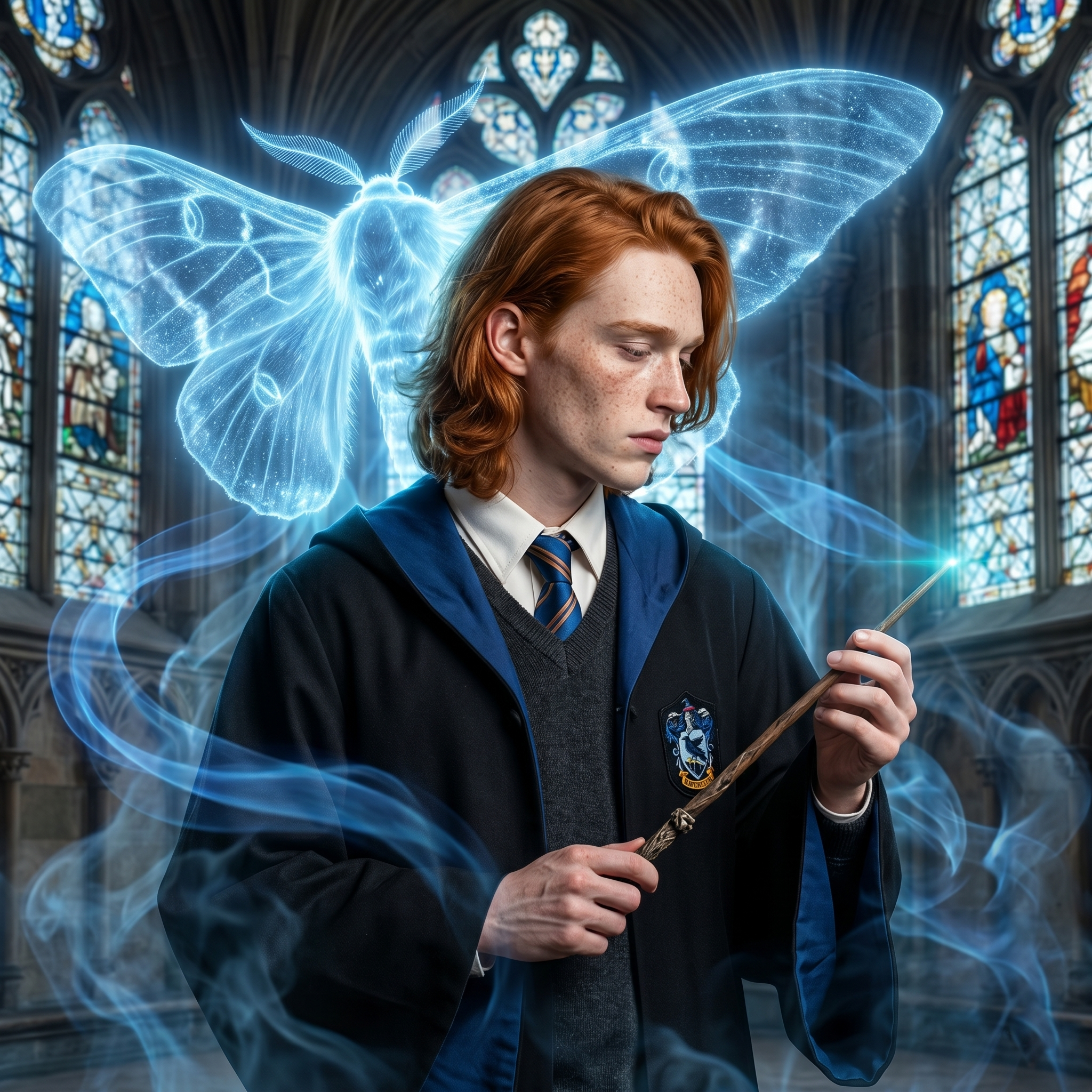
 Мы тут немного тоже попробовали разного))
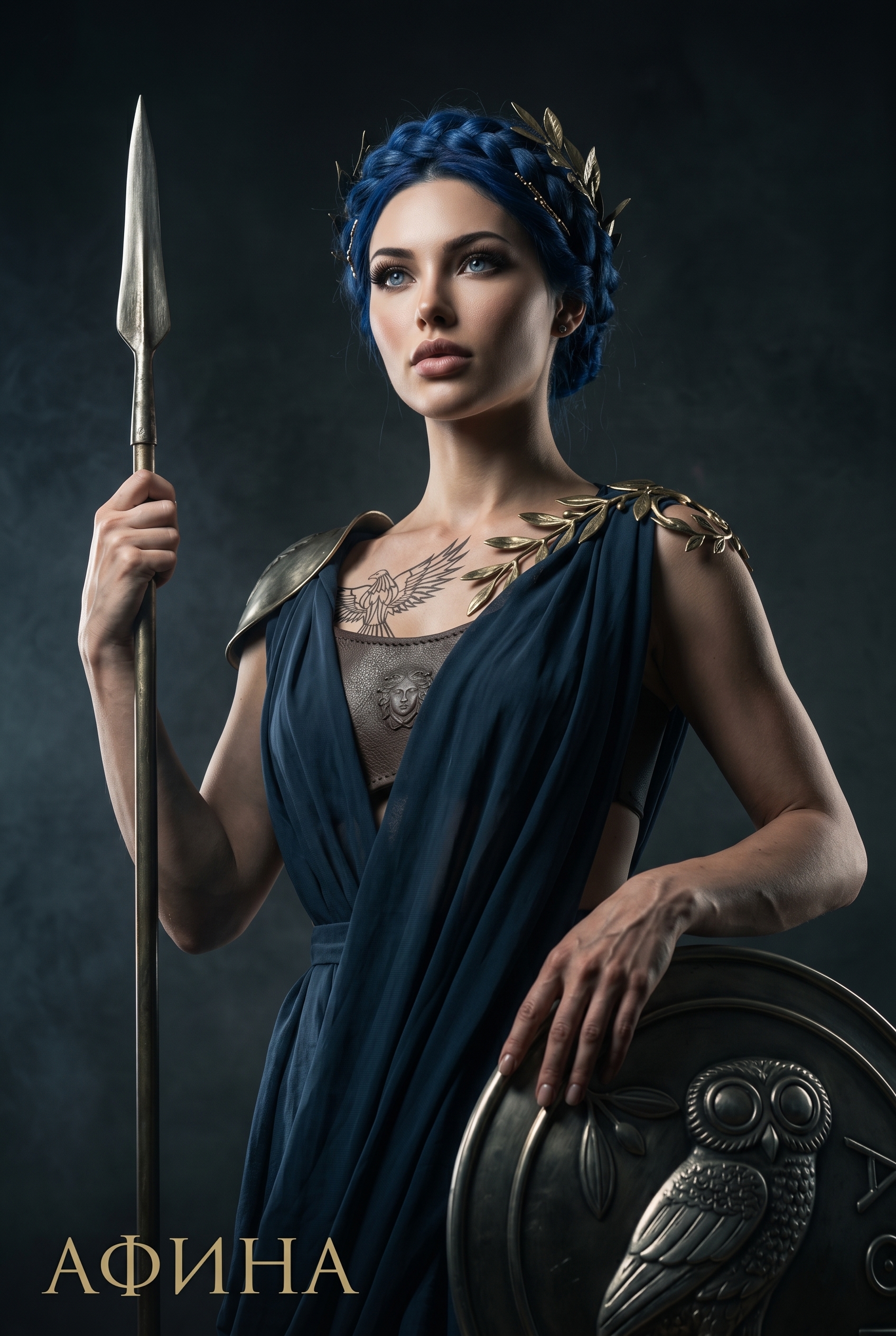
 Тут сделала два варианта, и оба очень даже зашли))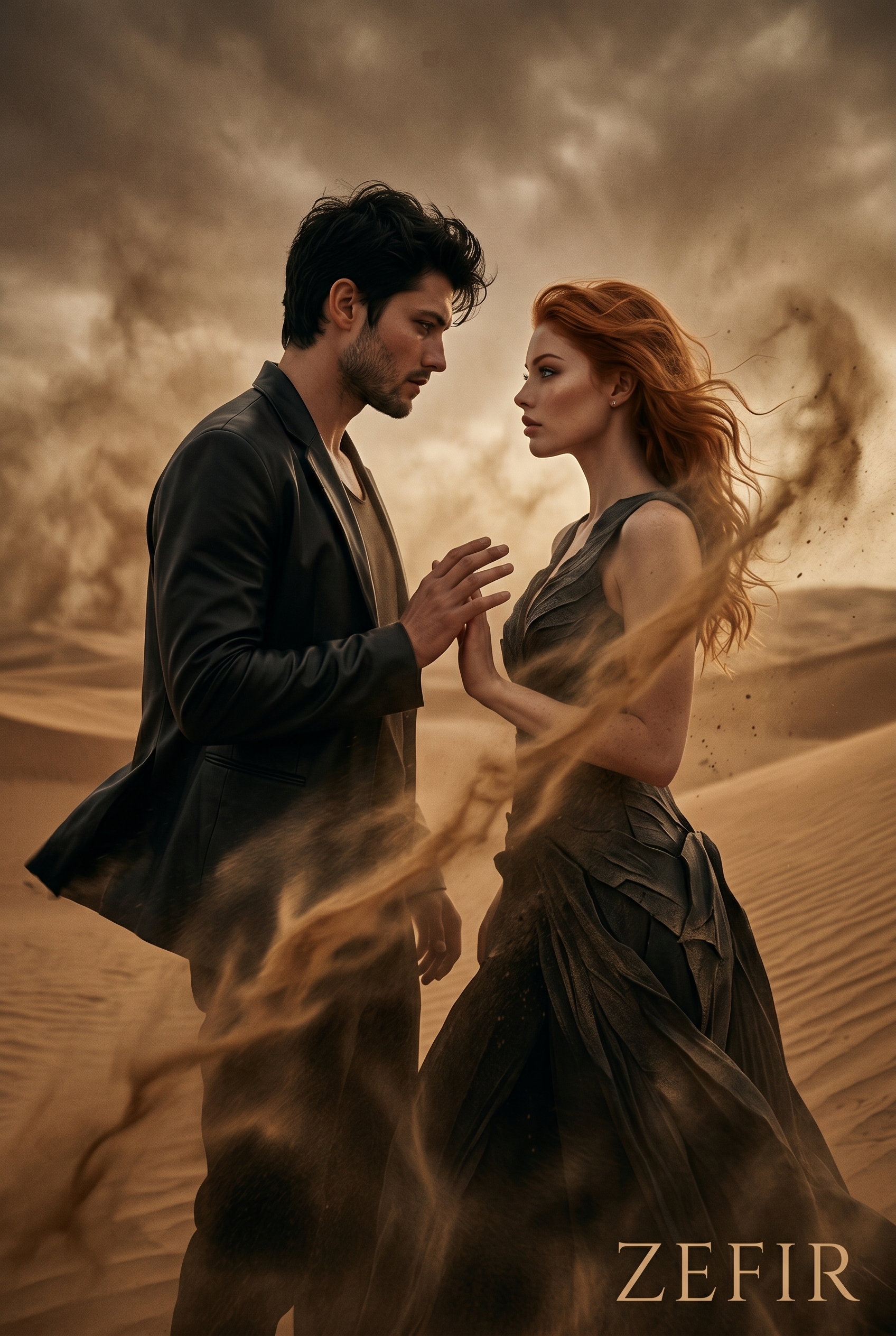
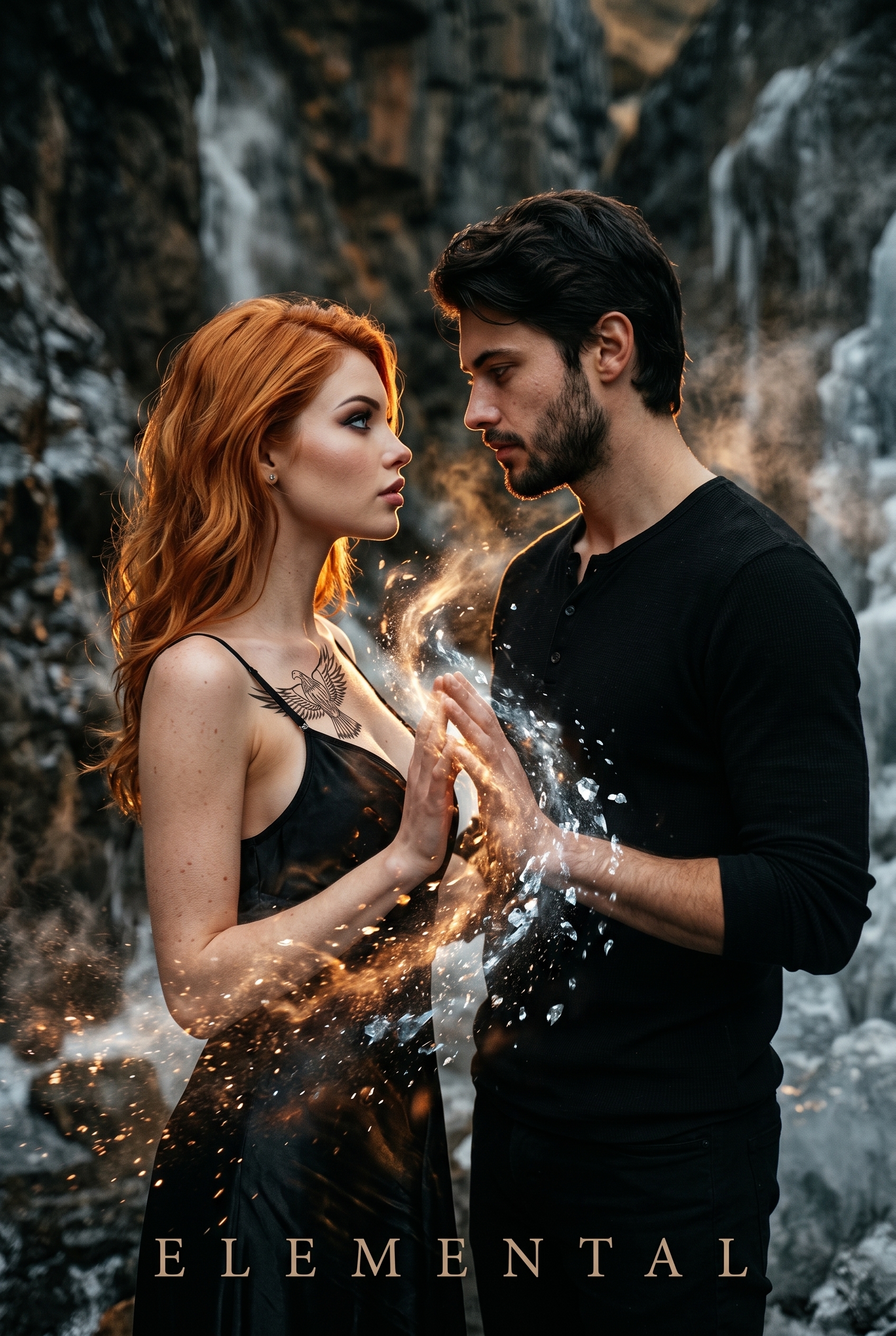
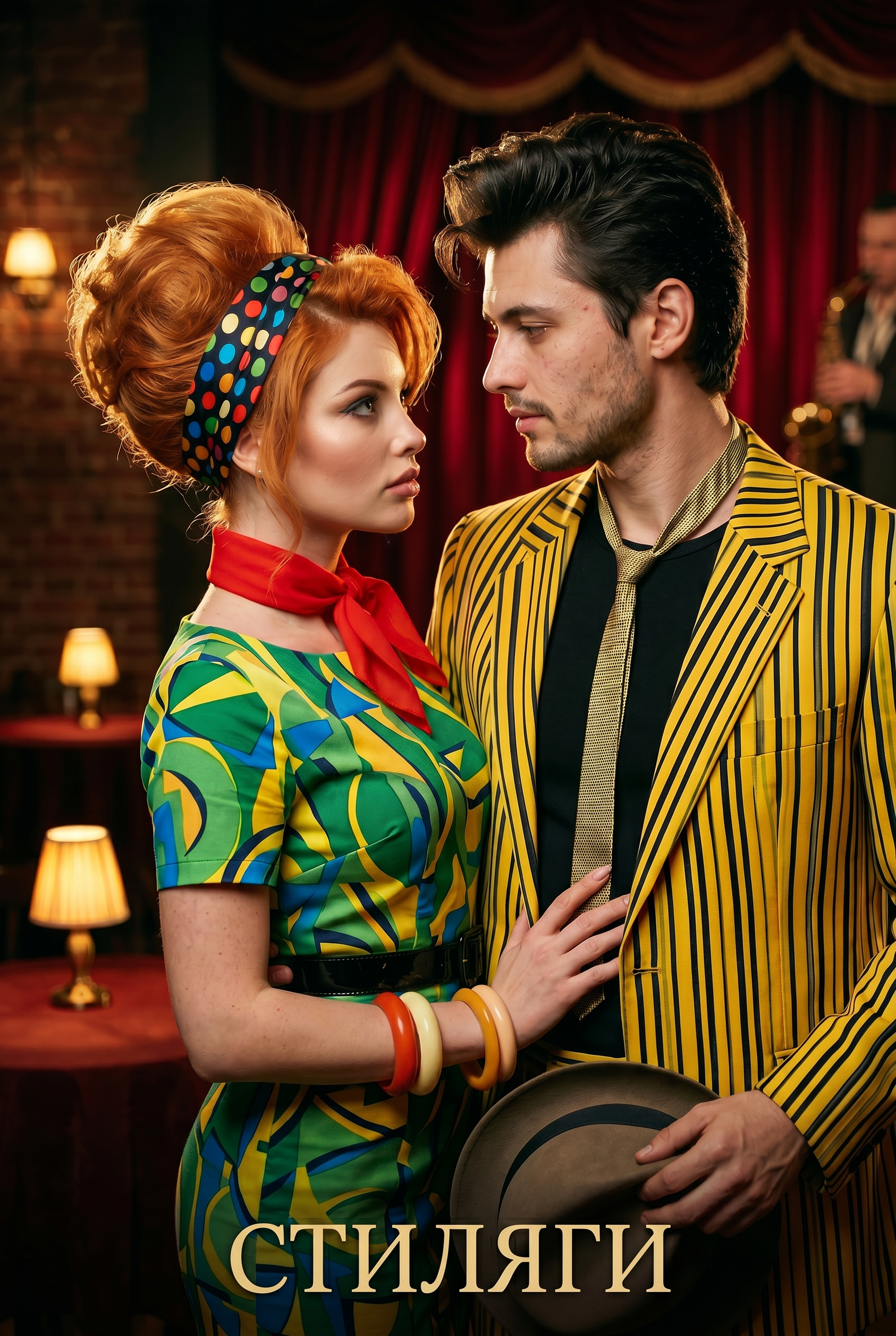






 мне бы лишь бы всех калечить
  я если что шучу, но в каждой шутке доля правды, я правда хотела привести одного на велике, но очень медленно раскачиваюсь и все никак не раскачаюсь, так что только помечтать х)
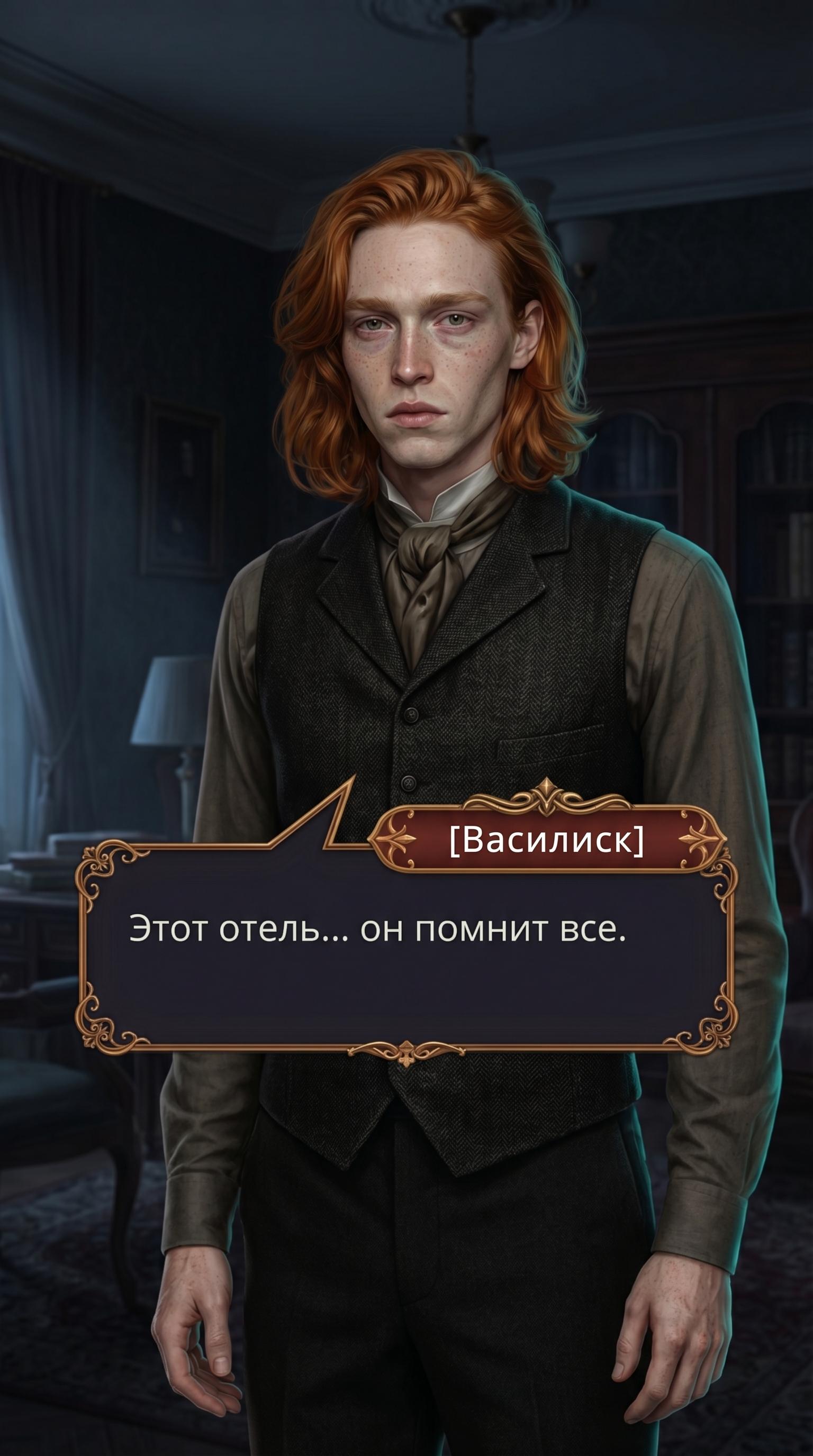
 Уважаемые игроки!
 Увы, проблемы связи, затронувшие персонажей, затронули и его.